 Duel
Duel  Slots
Slots  sports
  Support
Duel Casino App: Setup on iOS/Android
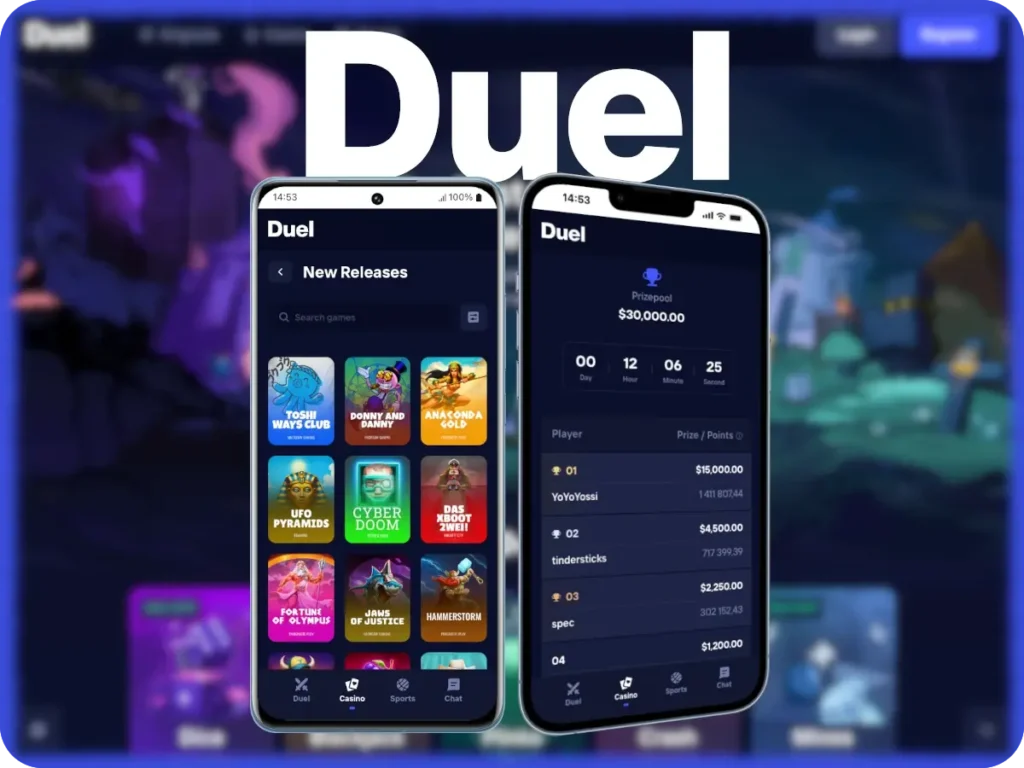
We made the Duel Casino app to provide full account access on Android and iOS with the same structure as the desktop. Registration takes about two minutes, and login supports saved account info for faster entry. Deposits can be done using card and crypto options, while crypto cashouts are usually processed within two hours after approval. The APK includes slots, live casino tables and instant activities.
How to Use the Duel Mobile App
After installing the Casino Duel app on Android or iOS, open it and sign in using your registered email and password. New users can complete registration in about two minutes by filling in basic details and confirming their email. The main menu gives access to titles, payments, promotions and profile settings. To withdraw funds, every member must complete account confirmation, which usually takes up to 24 hours. UK players can also expect fast loading screens and seek activities in a built-in search bar. Access to our casino application is limited to users aged 18 and over. Activity log, transfers records, personal limits remain available inside the profile section. This allows gamblers to track activity and manage spending directly from the mobile interface.
| Requirement | Android | iOS | Notes |
|---|---|---|---|
| Operating System | Android 9.0 or higher | iOS 14 or higher | Older versions may not be supported |
| Processor | Quad-core 1.8 GHz or better | A11 Bionic or newer | Ensures stable gameplay |
| RAM | Minimum 3 GB | Minimum 2 GB | Recommended for smooth performance |
| Storage Space | 200 MB free | 200 MB free | Required for Duel app data and updates |
| Internet | 4G, 5G, Wi-Fi | 4G, 5G, Wi-Fi | Stable connection recommended |
| Security | Google Play Protect | iOS system security | OS-level protection applies |
| Display | 720p resolution or higher | Retina display | Adaptive UI scaling |
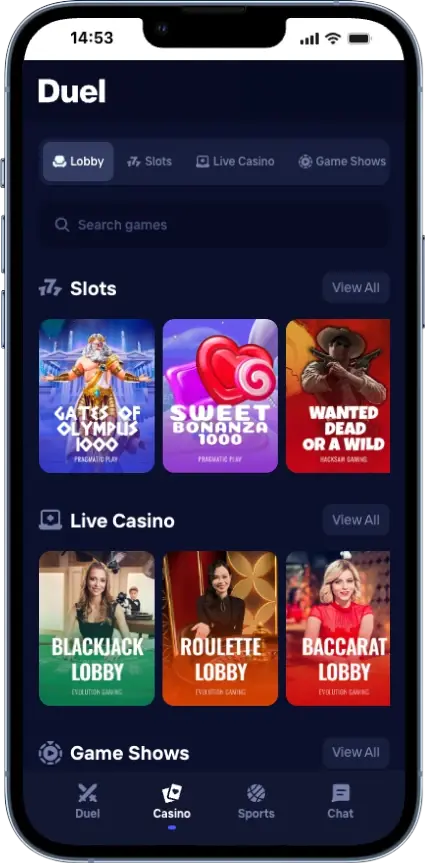
How Install Duel App Android
Our software engineers offer a direct Android installation without using Google Play. Open your browser, go to our official site, and tap Download. Android may ask you to allow installs from this source; this is required because the file is delivered directly. The casino Duel app installs in under one minute on most devices running Android 9 or newer. After launch, log in with email and password or use saved account info. Controls are built around a bottom menu with clear access to the account area, the lobby, plus the support section. Touch responsiveness, notification handling, background performance are improved to run reliably even on mid-range devices.
How to Use Casino Duel App iOS
We support iOS through a web-based APK shortcut. Open Safari, visit our official site, tap Share and then Add the Duel mobile app to the Home Screen. This creates an icon that opens in full-screen mode. This means that no app Store download is required. Log in using email info or Face ID, where enabled. The layout matches iOS controls patterns, with swipe support and fixed headers. Verification requests may appear before certain actions, which helps us meet KYC requirements. Pages load within seconds on stable connections. Account settings, the support chat, plus activity history stay available from the main menu at all times.
Application Compatibility: Phones, Tablets, and PC
You can use the Duel Casino mobile on any device you have: phones, tablets and PCs. The design adjusts automatically to screen size, input method, operating system. Mobile devices focus on touch controls and vertical layouts, while desktop access prioritises wider views and faster multi-section switching. No separate downloads are required for PC use, as everything runs in a secure webview.
| Device type | Access method | Key characteristics | Best for |
|---|---|---|---|
| Phone | Mobile browser/shortcut | Touch controls, compact layout, notifications | Daily use on the go |
| Tablet | Mobile browser | Larger screen, split sections, touch support | Extended sessions |
| PC | Desktop browser webview | Full-width layout, faster controls, keyboard input | Account management and browsing |
Duel Casino Mobile Interface
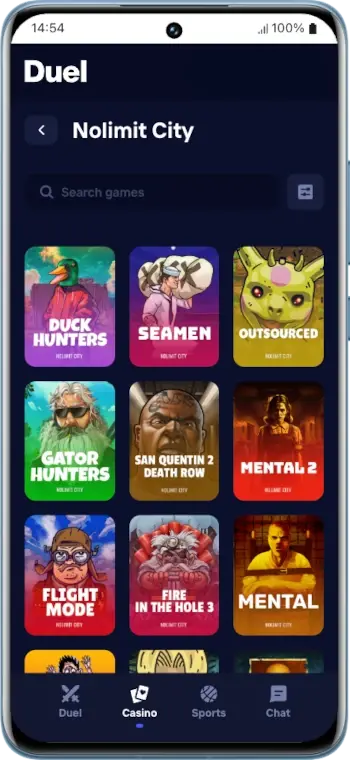
The layout of the Duel casino app is made with a dark, high-contrast layout that reduces eye strain and keeps focus on content. The top menu bar stays fixed with a clean, minimal layout that gives direct access to Casino, Sports, Login, Register. Category tabs appear directly beneath the header, allowing quick switching between Lobby, Slots, Game Shows, Live Casino, Popular, New Releases without page reloads. Game tiles use large rectangular cards with provider labels and consistent artwork sizing, which makes scanning faster. On the left side, a live chat panel is integrated into the layout and does not interrupt controls. Spacing between sections is even, and typography remains uniform across headings and labels. Duel UK also made buttons that use restrained colour accents to signal actions without distraction.
Account Registration and Deposit in the Mobile App
Registration at the Duel mobile app takes only a few minutes and requires standard personal details to meet ID checks. Top-ups are available immediately after profile creation, with minimum amounts shown before confirmation. Handling times and balance updates are displayed in real time, so users always know when funds are available.
- Account creation – Open the Register section, enter your email address, create a password and submit basic details to open a profile.
- Email confirmation – Verify your email using the link sent to your inbox to activate full account access.
- Identity verification – Complete identity checks. These checks support AML and KYC requirements and may be required before cashing out.
- Access deposit section – Open the account menu and select Deposit to view available payment options and limits.
- Deposit setup – Choose a payment method, review the minimum top-up amount and enter the exact sum.
Key Benefits of Using the Casino Duel App
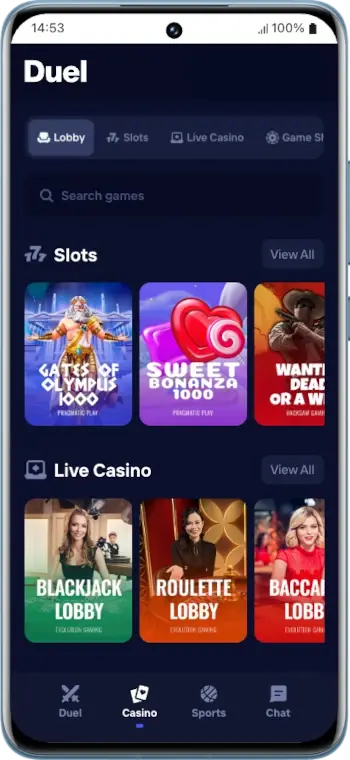
Using the software reduces loading time and removes the need to re-enter the website address each time. Sessions stay active longer, which limits repeated logins. Navigation is optimized for touch, with fewer steps to reach key sections. Updates apply automatically without manual installs, since the Duel mobile app runs as a controlled webview. Security settings, limits and profile history remain fully accessible. Alerts can be enabled to receive account-related updates without opening the APK. Our superior app focuses on speed, convenience and predictable usability rather than added features.
Bonuses for Duel Mobile Players
Our team approaches promotions with a practical mindset. What really matters is the net edge over time, not how large a bonus looks on screen. A reward with heavy wagering can increase the effective cost of play, even if it feels rewarding at first. That is why the Duel Casino app bonus mechanics are simple and predictable, without unnecessary layers or unclear conditions.
Mobile APK users may see welcome or deposit bonuses from time to time. But these are designed to fit naturally into regular use, not to force specific behaviour or extended requirements. Key terms are shown upfront, and prizes never replace core values such as stable performance and clear limits.
Security and Player Data Protection
All data transfers at the Duel Casino mobile app use encrypted connections based on TLS protocols, protecting login credentials, payment details and profile activity in transit. Stored information is kept in secure environments with role-based access control, audit logging, and regular integrity checks. Protective protocols include network firewalls, treat detection and prevention systems, plus automated blocking of unwanted data. Checking steps support AML and KYC rules and help prevent unauthorised use. This may introduce short delays before certain actions are enabled. The Duel app relies on operating system app restrictions, secure storage and device-level authentication.


